
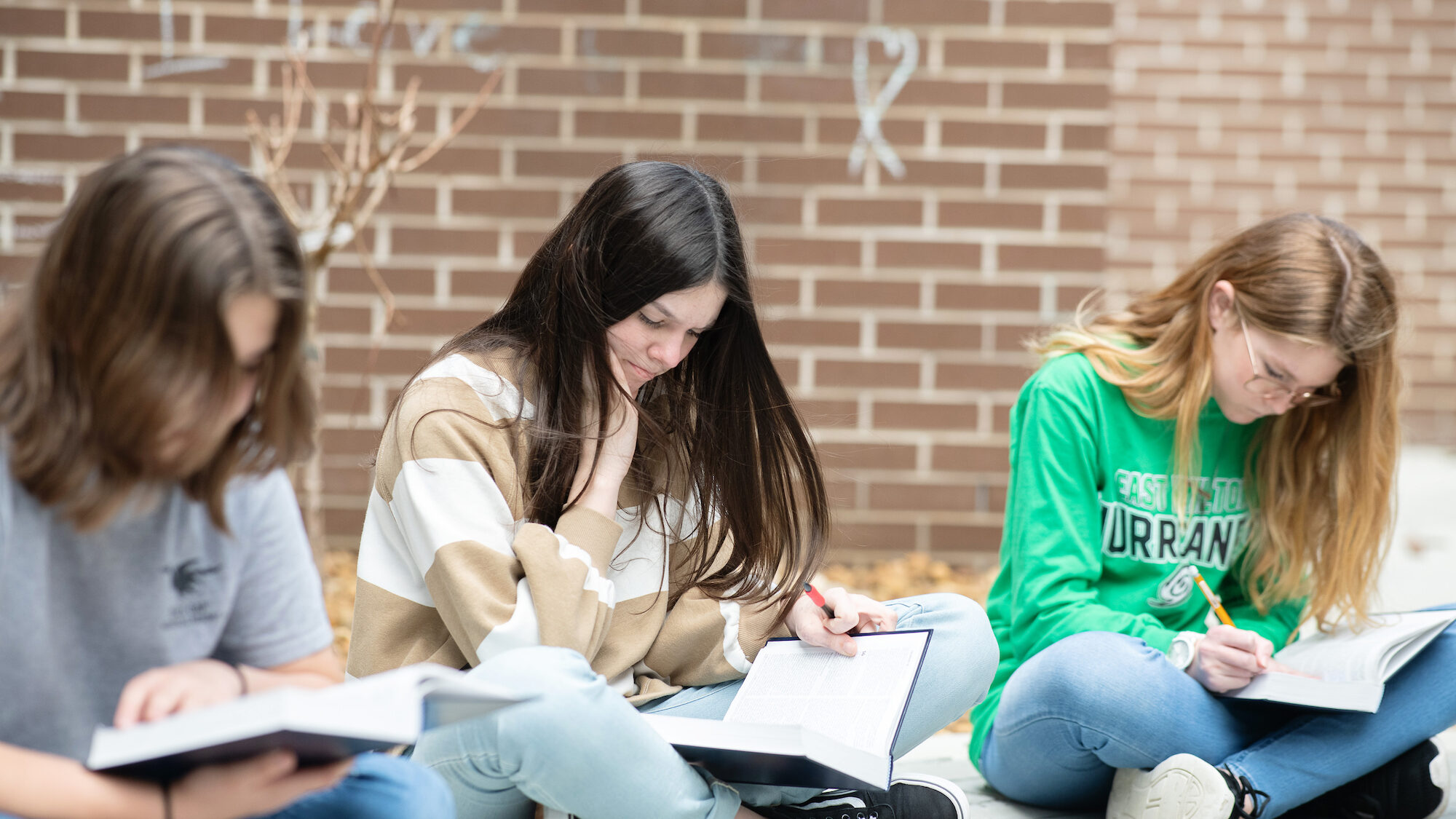
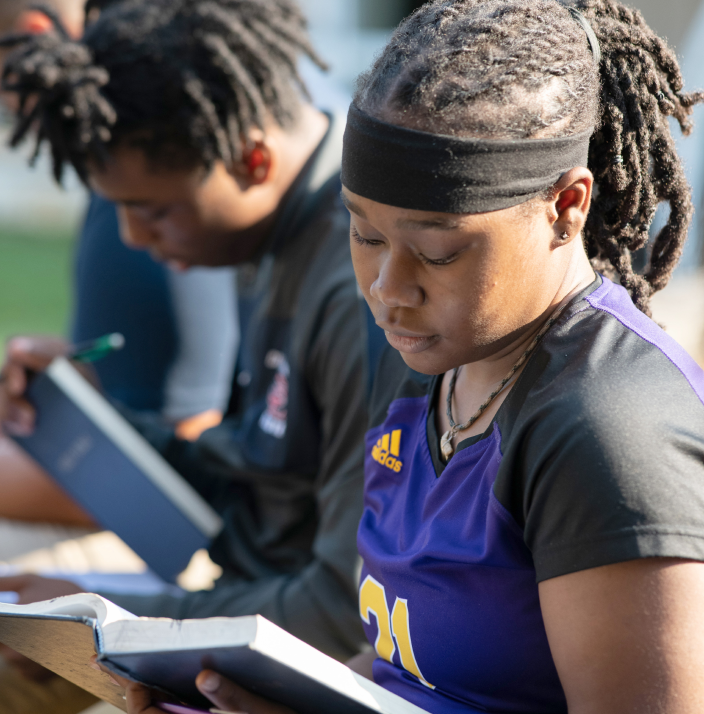
Through community generosity, Bible elective classes in the public schools offer students a viewpoint neutral, foundational study of one of the cornerstone texts of world history, which helps students become culturally literate and better equipped to flourish and contribute in a global world.



Support a student today
Alumni Stories
stories from Bible alumni
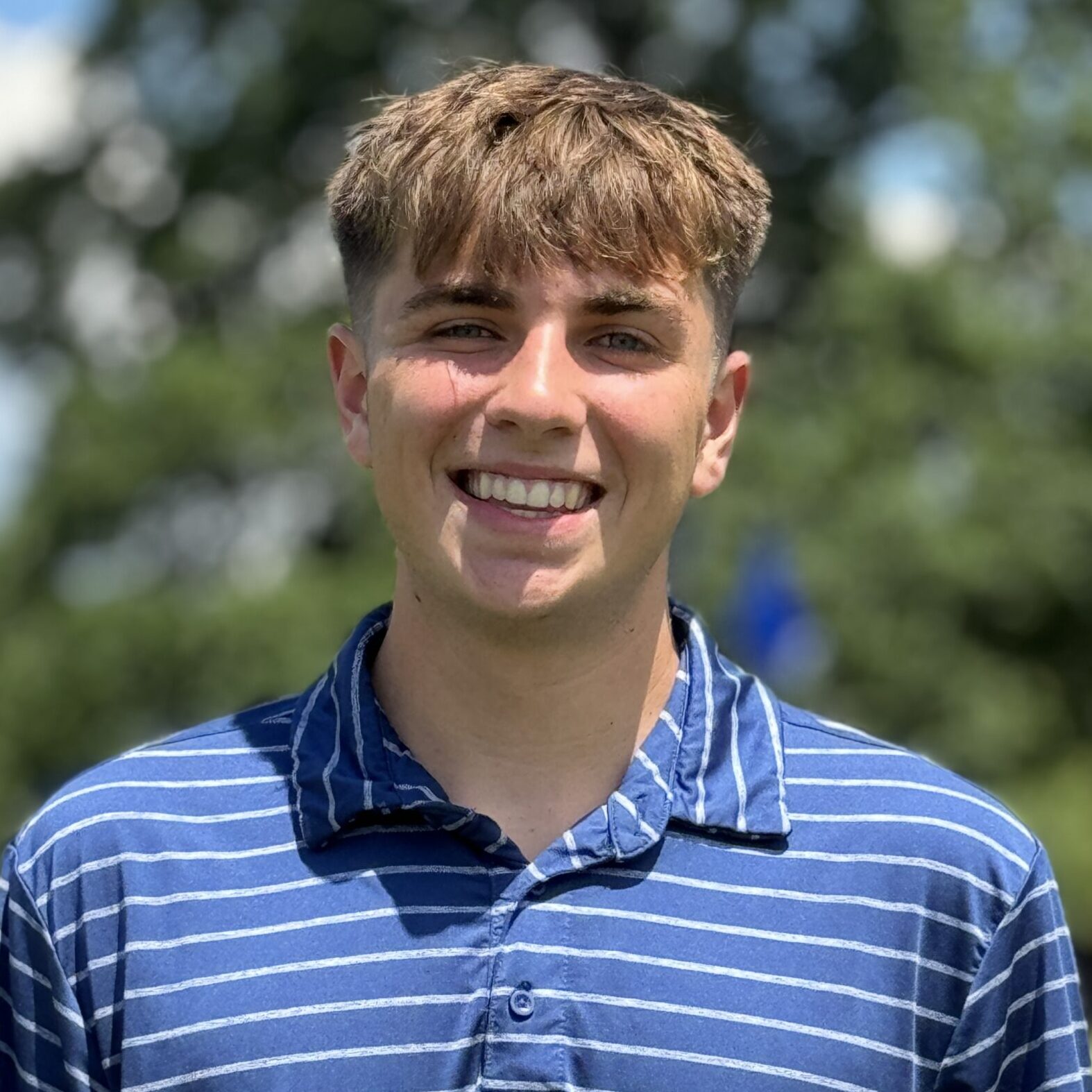
Seth Norman
Seth Norman, a Chattanooga native, graduated from East Hamilton High School in May 2024. Seth is also a scholar with a profound interest in biblical studies, which he credits to …
Seth Norman, a Chattanooga native, graduated from East Hamilton High School in May 2024. Seth is also a scholar with a profound interest in biblical studies, which he credits to his high school Bible teacher, Mr. Jeff Fairbanks.
East Hamilton High School, a Hamilton County public school, is committed to excellence and to preparing students for the future. One way they accomplish this is by providing access to programs and courses that help students become well-rounded, well-read, and well-prepared citizens. This includes a robust Bible education program taught by Mr. Fairbanks. Students, like Seth, can elect to take two different Bible courses for credit during the school day at East Hamilton High School. When taken in addition to the three middle school Bible courses taught at Seth’s local middle school, East Hamilton Middle School, students have the opportunity to graduate from high school with up to five years of Bible education and potentially six hours of college credit through the local dual credit program.
Seth grew up in a close-knit faith community and recognizes the unique benefit he received as a Bible student who was given the opportunity to study the importance and significance of the Bible from a literary perspective. Seth enrolled in the Old Testament Bible course his freshman year and the New Testament Bible course his sophomore year. The stories and connections he discussed in those two classes with his teacher and peers were meaningful to him. Seth said, “I’ve really seen it make a huge impact on my classmates as well. The [Bible] alone really had an impact on kids.”
Seth also speaks highly of his teacher, Mr. Fairbanks. Jeff Fairbanks has been teaching the Bible for 14 years. Seth said, “He impacted me, and I saw him impact his students. He really cared for his students, and he was patient with them.”
Mr. Fairbanks’s care and dedication to teaching inspired Seth to continue studying the Bible after high school and to pursue a college experience that will provide him with this opportunity. After high school, Seth plans to move to Chicago to study at the Moody Bible Institute.
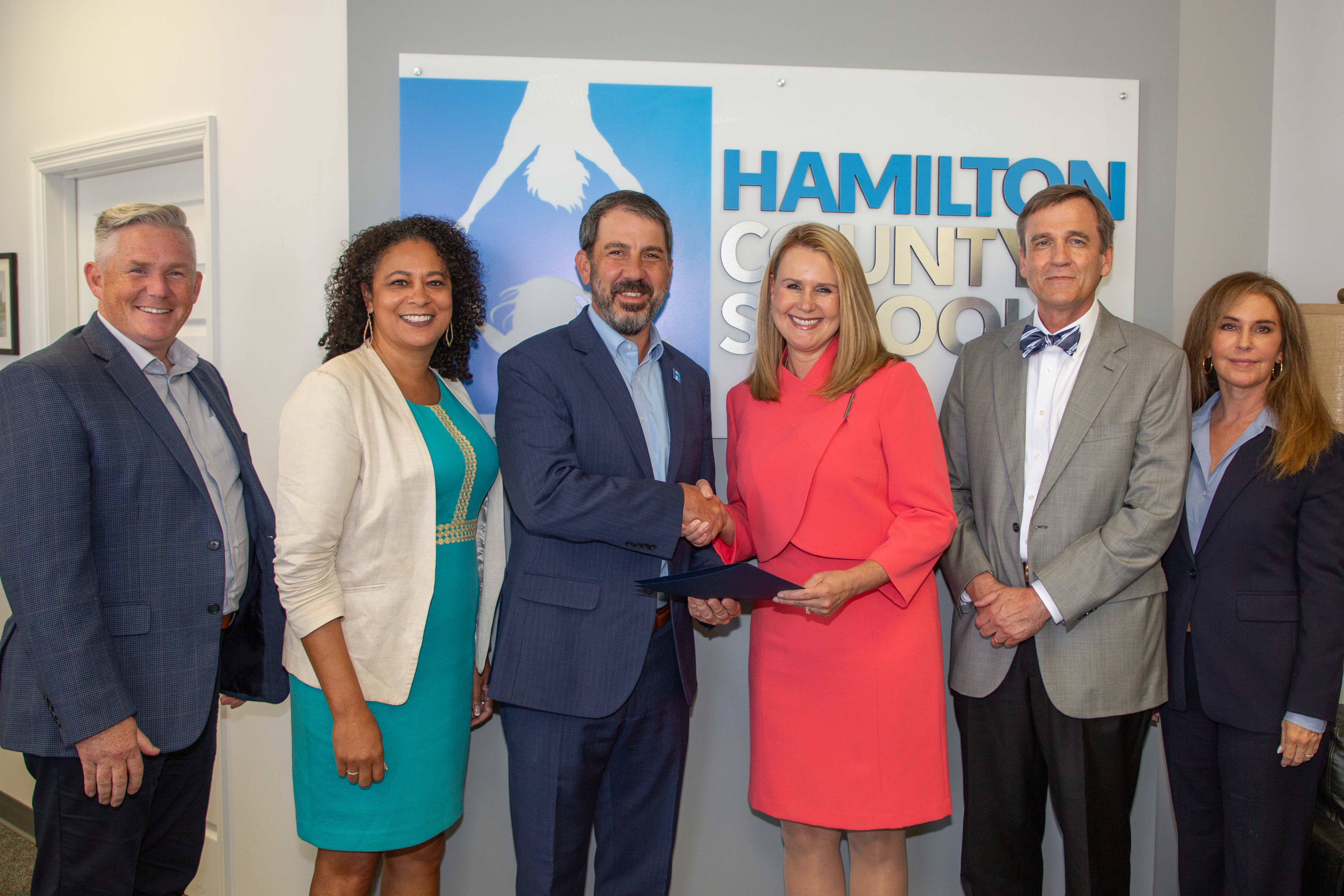
Seth is a direct beneficiary of the community gift presented to Hamilton County Schools every summer, which fully funds the public school Bible program at no cost to taxpayers. Last year, over 5,700 students, like Seth, elected to study the Bible in Hamilton County public schools. The generosity of the community provides the funds that make this Bible program possible. As a result, every year, graduates of Hamilton County public schools step out of the classroom and into the world as biblically literate adults.
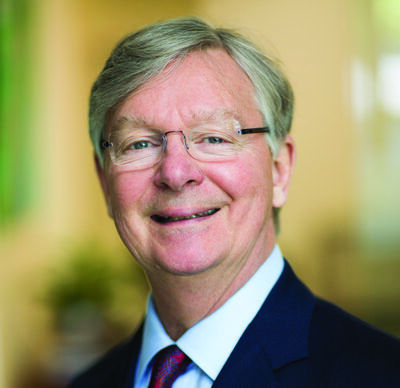
Mike Costello
HENRY L. BARGER SCHOOL ALUM
I am Mike Costello. I am a Shareholder at Elliott Davis in Chattanooga, Tennessee. I am also an alumnus of the Bible program at Henry L. Barger Elementary School, class …
I am Mike Costello. I am a Shareholder at Elliott Davis in Chattanooga, Tennessee. I am also an alumnus of the Bible program at Henry L. Barger Elementary School, class of 1967. At the time, Bible classes were offered in elementary schools, not just middle and high schools. The course was called “Bible Class.” I attended Bible Class between the 4th and 6th grades, and my teacher was Mrs. Gant. She made Bible Class so engaging, the stories so profound, and as a result, I have special memories of her impact on my life as a student.
Reading the Bible helped me in my other subjects. In our Bible Class, we had to take extensive notes, review them, and often memorize verses. Taking Bible taught me to take notes and commit important principles to memory. Taking Bible also helped me see that there is a great deal to be learned from the Bible that you don’t get anywhere else.
For me, the most surprising Bible story that we studied in class was what I call “the coat of many colors.” I dreamt about being in battles and circumstances that required resilience, courage, integrity and strength, just like my heroes did in what I called the “cowboy shows.” Joseph was dealt a number of setbacks, but he reflected those qualities I wanted to emulate.
But more than just stories, my Bible Class taught me important life lessons. The lessons I learned formed a great foundation that is continuously being built upon day-by-day. Bible Class gave me a perspective on life that is truly amazing. When faced with overwhelming challenges later in my life, I learned that the Bible can be a source of strength for you when you go through difficult times. The verses I have learned and relied on have uplifted me at times when I have been in difficult circumstances.
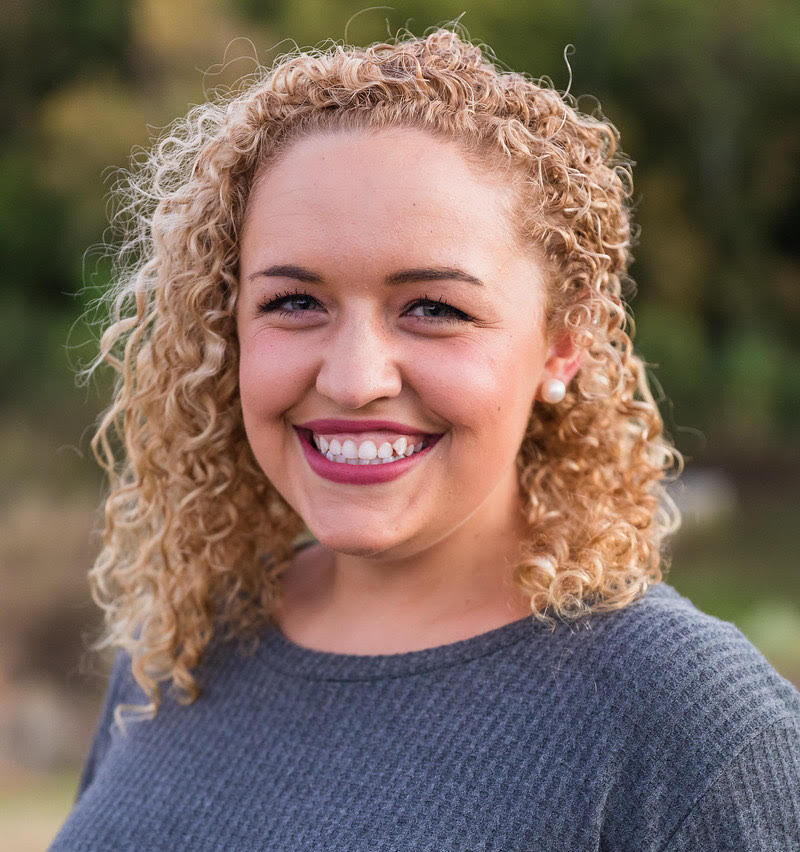
Sophie Bell
EAST HAMILTON HIGH SCHOOL ALUM
I am Sophie Bell. I graduated from East Hamilton High School in 2015. I am also a Bible program alumna. Although I grew up reading the Bible, taking a Bible …
I am Sophie Bell. I graduated from East Hamilton High School in 2015. I am also a Bible program alumna. Although I grew up reading the Bible, taking a Bible class with Mr. Fairbanks was the first time I studied the Bible in much greater detail. The most memorable part of my Bible class was the stories Mr. Fairbanks would tell while we were studying the Bible. As a class, we would read the Bible together and talk about it as one big story. It really made sense and allowed us to remember each chapter we read.
The Bible, the Old Testament specifically, is one big history book. It holds a series of stories about people who made history and changed aspects of our world. In Bible, we learned about historical events, but we also saw how things changed from generation to generation. The beauty of learning history is that not only are we trying “not to repeat it,” but also to appreciate what the ones before us did so we don’t have to. Studying the Bible can help us understand why we live the life we live now and see how much times have changed.
Reading the Bible helped me in my other subjects. The Bible is so detailed and worded so beautifully. Still to this day, studying the Bible is something I challenge myself with daily because I truly believe it changes our entire life. It has made me internalize the words and apply them to every situation that comes my way. I think that everyone should read the Bible because it is a gateway to life.
Taking Bible paved my whole future. When I took the class in 2012, I knew I wanted to learn more. I knew I wanted to study the Bible and apply it to my life. This inspired me to pursue a degree at a college where I could continue to study the Bible. The Bible remains a priority for me personally. I definitely owe a lot of that to the opportunity of taking Bible my freshman year of high school.
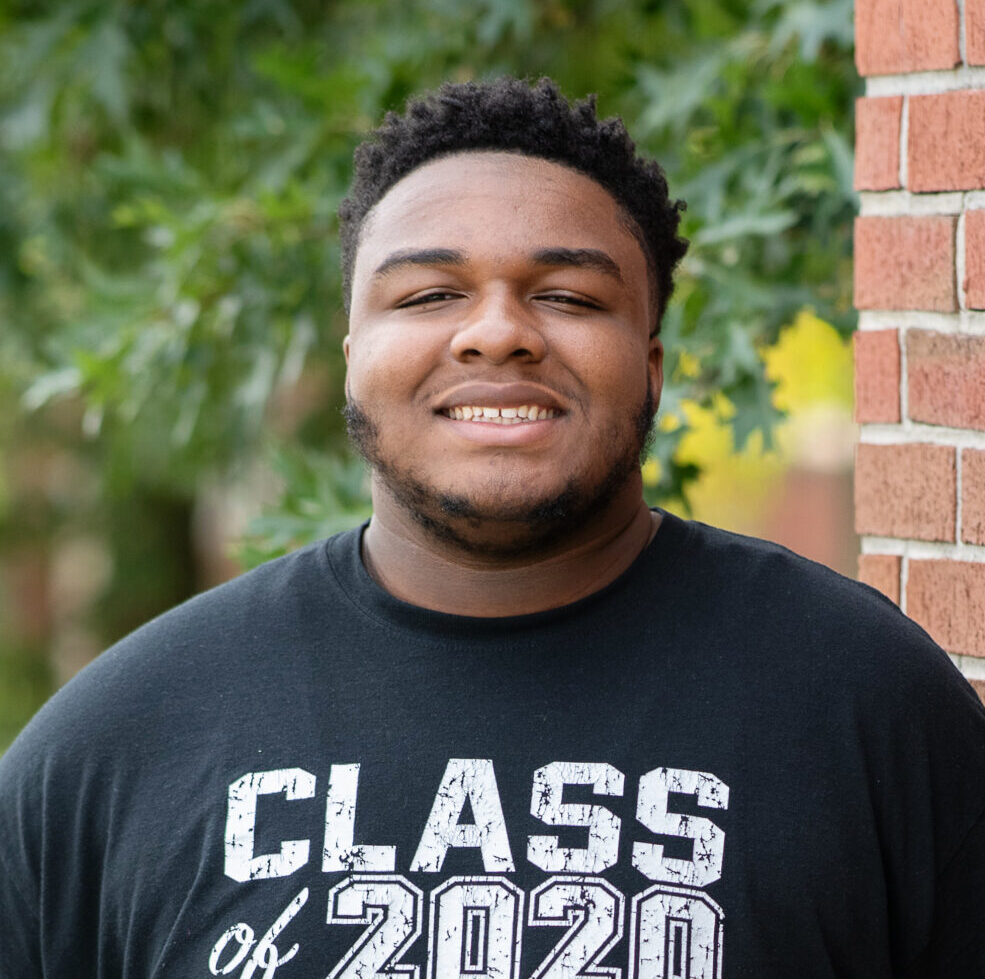
Jesse Steele
BRAINERD HIGH SCHOOL ALUM
I am Jesse Steele. I am a 2020 Bible Program alumnus from Tyner Academy. I currently attend Chattanooga State, where I’m pursuing my B.A. in Communications. I hope one day …
I am Jesse Steele. I am a 2020 Bible Program alumnus from Tyner Academy. I currently attend Chattanooga State, where I’m pursuing my B.A. in Communications. I hope one day to become a Sports Commentator.
I took Bible my senior year at Tyner under the leadership of Mr. Randy Young. It was my first block class. I had no consistent exposure to the Bible prior to my Bible class. The class taught me a lot about how to treat other people and work together as a group. Mr. Young often put us in group projects with one or two other people, so we all had to come together and function as one unit. We had a lot of group work, so that prepared me for group collaboration, exchanging ideas, and sharing the workload. When you work in groups, you get to know people you wouldn’t normally be friends with.
Taking Bible really helped me grow to become the man I am today. At the time I took the class, I was just an average 12th grader. I was playful and childish. But the class with Mr. Young changed me a lot. It made me more focused in life. His class made me evaluate what I wanted to do and who I wanted to be. It made me think more closely about life, and be more intentional with my decisions. I think the seriousness of Jesus’ death on the cross really made me reevaluate some of my priorities. You never know when your moment [death] might come, so you better live your life with intentionality.
Felicia Pierce
BRAINERD HIGH SCHOOL ALUM
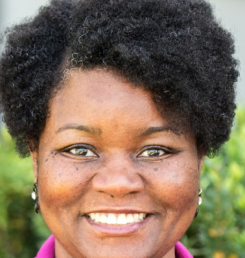
I am Felicia Pierce. I am a Board Member of Bible in the Schools. I am also an alumna of the Bible program and a graduate of Brainerd High School. …
I am Felicia Pierce. I am a Board Member of Bible in the Schools. I am also an alumna of the Bible program and a graduate of Brainerd High School.
I am sure that many, if not all of you, would agree that it is amazing to be able to look back over our lives, especially those middle and high school years, and wonder how we made it from there to here. In fact, if you are like me you are saying, “Thank God, I survived!”
As I look back over my life, I can stand here and testify that I am truly grateful for Bible in the Schools. As a student I struggled with low self-esteem, determining where I fit in, and finding my identity. These struggles impacted my behavior and attitude. I was raised in the church; however, like a lot of people, I compartmentalized my study and application of the Bible to Sundays while struggling all the other days of the week. Taking Bible allowed me personally to choose to interject the Bible, the most important book of my life, and its values, into my everyday life. Through classroom lessons and homework assignments that most certainly pushed me academically, my Bible class gave me the opportunity to apply the powerful words and precepts of the Bible into the very environment and situations where I struggled the most.
In looking back over my life, without the assistance of the Bible in the Schools program, I don’t think I would have been able to make the mental and behavioral shifts necessary to be successful in maturing to the adult I am today. I have experienced firsthand the value and importance of Bible classes in the life of a student. That is why I support and advocate for this worthy mission. When you give to Bible in the Schools, you are not investing in a program, an organization, or a board, but in the lives of real kids like me who will forever be impacted by your gift of Bible for our public school students.
Hamilton County Public Schools Offering Bible Elective Courses
Brainerd High School
Brown Middle School
Central High School
Chattanooga Girls Leadership Academy
Chattanooga Preparatory School
Chattanooga School for the Arts and Sciences
Chattanooga School for the Liberal Arts
Dalewood Middle School
East Hamilton High School
East Hamilton Middle School
East Lake Academy
East Ridge High School
East Ridge Middle School
Hamilton County Virtual School
Hixson High School
Hixson Middle School
Hunter Middle School
Ivy Academy Chattanooga
Loftis Middle School
Lookout Valley Middle / High School
Ooltewah High School
Ooltewah Middle School
Orchard Knob Middle School
Red Bank High School
Red Bank Middle School
Sale Creek High School
Sale Creek Middle School
Signal Mountain Middle School
Signal Mountain High School
Soddy Daisy High School
Soddy Daisy Middle School
The Howard School
Tyner Academy
Tyner Middle Academy
New Schools coming August 2025:
Chattanooga School for the Arts and Sciences- Middle School